
Resetting Your Password
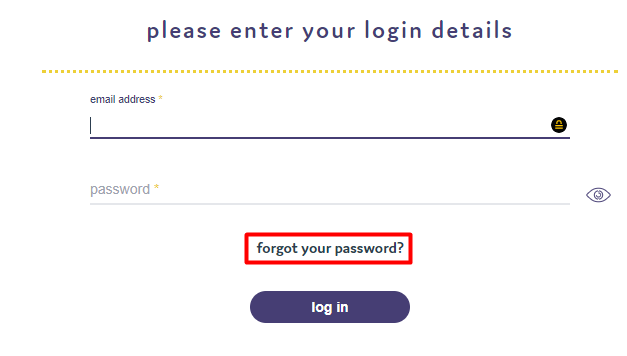
If you have forgotten your password you can easily reset it. You will need to select the "Forgot Password" option that appears at the bottom of the login page.
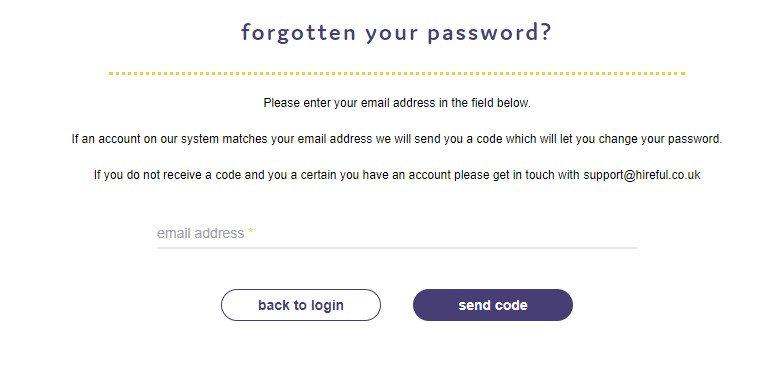
Then the following page will appear where you will need to add your email address. You will then be sent a code that will allow you to change your password:
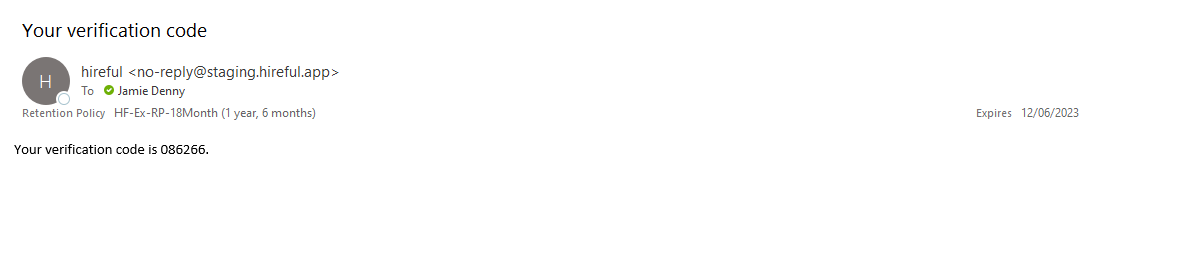
The email with your verification code will look like this:
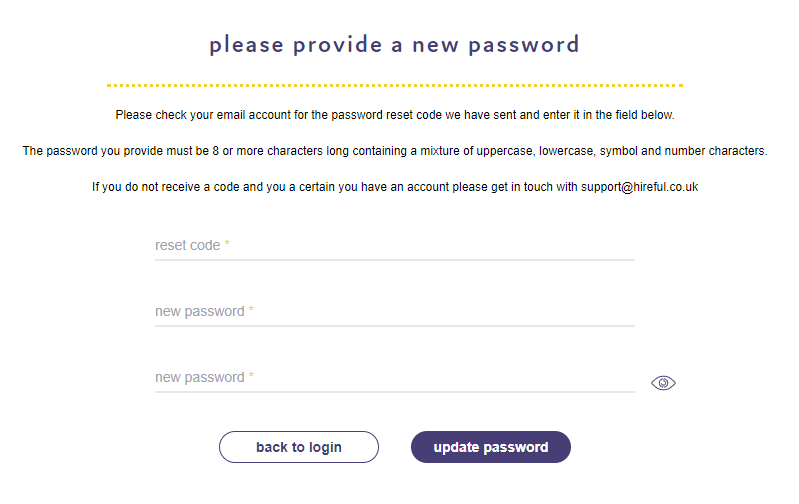
Enter your code and the new password that you want to setup and then press "Update Password"
You will then be asked to login with your new password.